How do I add recurring birthdays into the Calendar app?
 Q: If I put all of my birthday and anniversary dates into Windows 8’s Calendar app, will they automatically reappear a year later?
Or will have to have to remember to enter them all again every year?
A: Windows 8’s Calendar app works well for keeping track of birthdays, anniversaries, and other events.
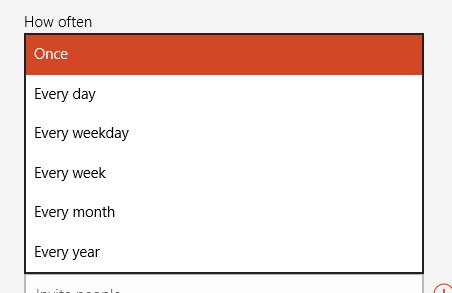
But there’s a trick: When you enter a birthday or anniversary, you must tell the Calendar app that they’re recurring events. Otherwise the calendar promptly forgets the event next year.
To make sure your birthdays and anniversary entries automatically repeat every year, follow these steps when entering the dates into Windows 8’s Calendar app: Click to read more »
Posted: March 25th, 2013 under Windows 8.
Tags: anniversary, birthday, calendar, calendar app, recurring appointments, recurring event
Comments: 4